
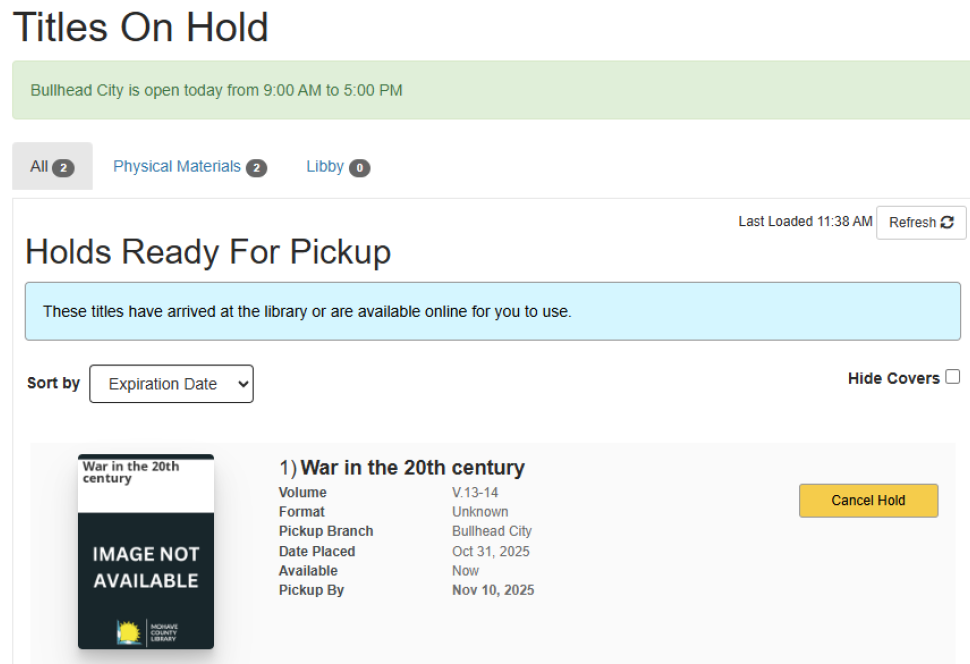
From your account page Click on “Titles on hold” on the left side menu or on the drop-down menu under name on right side.

You’ll see holds ready for pickup first then any pending holds.
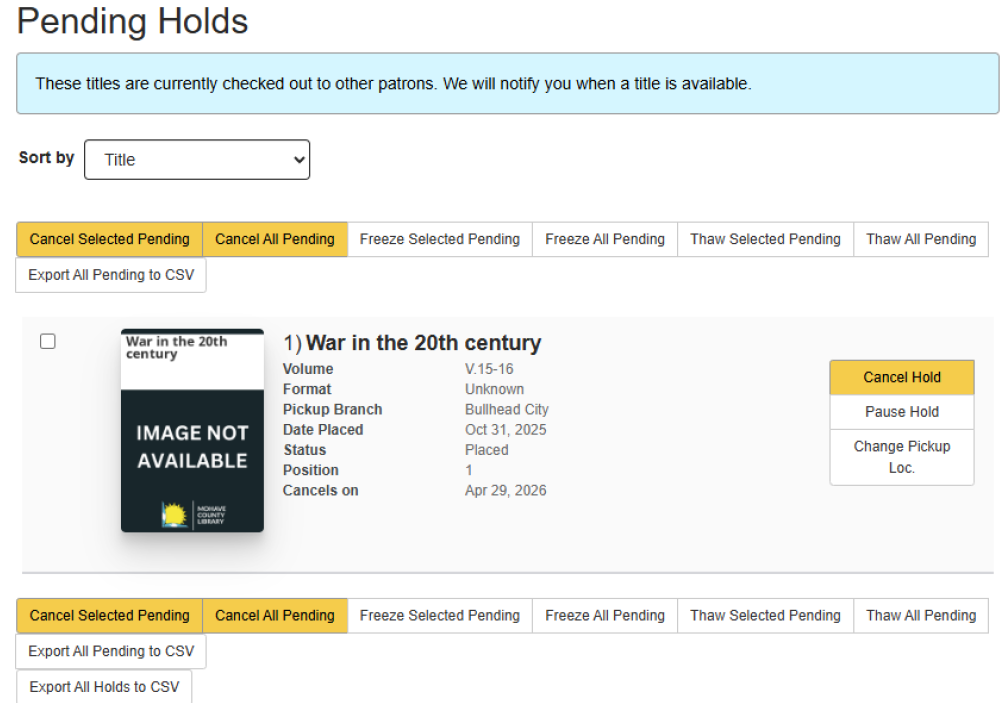
You can cancel, pause (freeze), or change pickup location of pending holds.
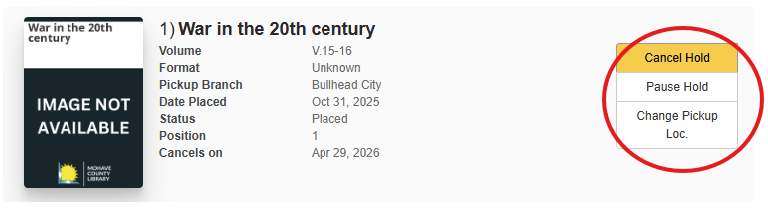
To Pause a hold:
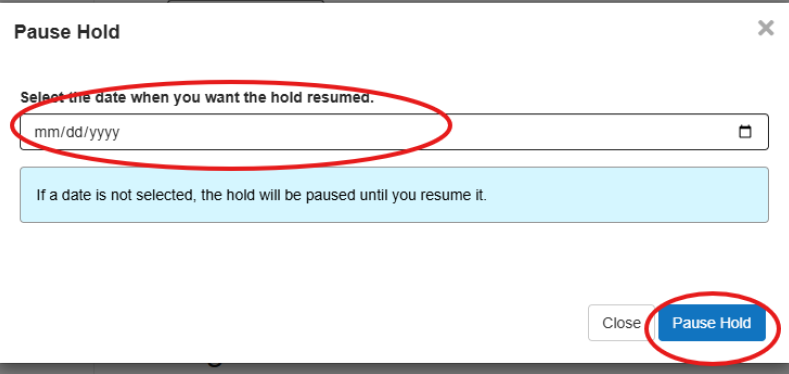
Click on “Pause Hold”
Enter the date when you want the hold resumed. Note: if no date is entered, you’ll need to manually resume the hold.
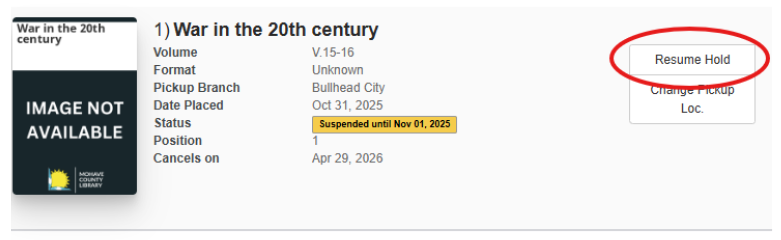
To resume a paused hold:
Click on “Resume Hold”
To change the pickup location:
Click on “Change pickup Location”
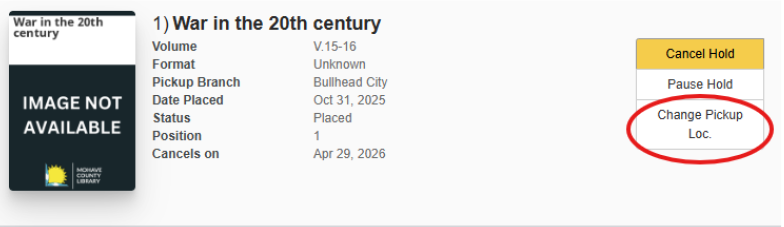
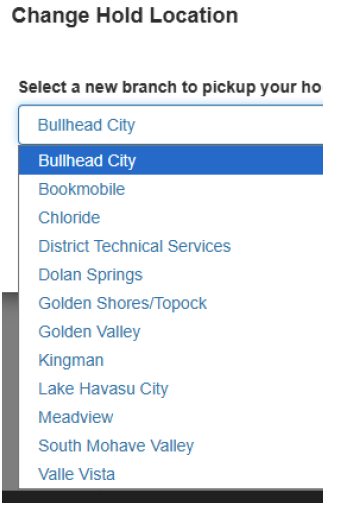
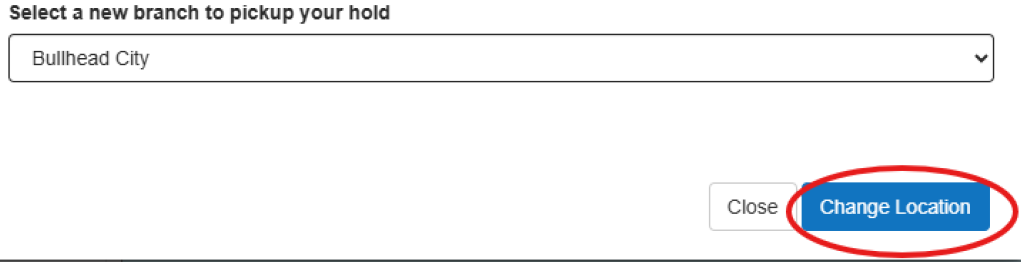
Choose the pickup location and click “change location”